
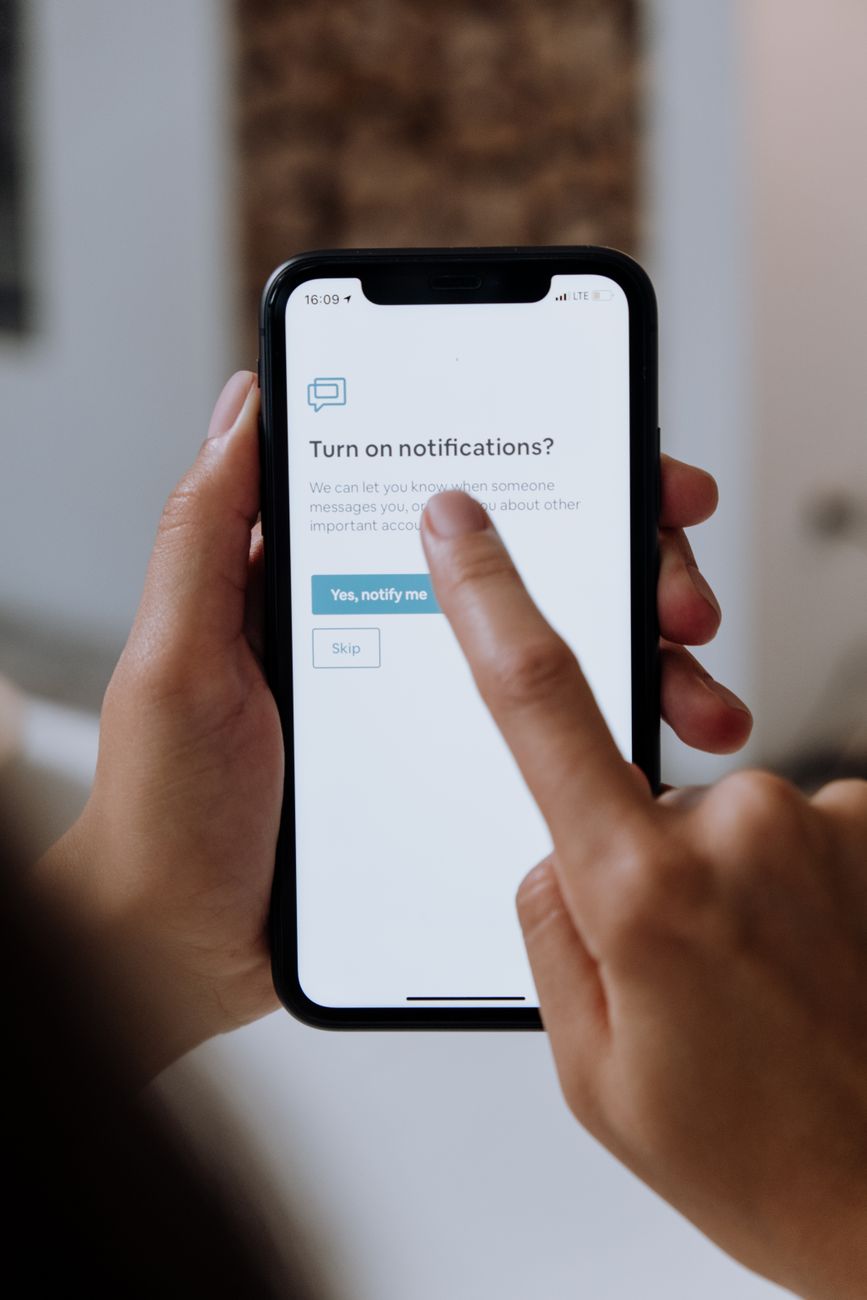
Push notifications are an open doorway for interruptions to invade your workspace.
Allowing software applications to vibrate your phone or drop banners across your screen guarantees you will never achieve deep work flow states.
Day 18 Micro-Habit: The Notification Firewall
- Go to your phone and computer settings.
- Disable banners, badges, and sound alerts for all social media, news, and email applications.
- Shift from a “push” environment (where apps interrupt you) to a “pull” environment (where you open apps at designated times).
You don’t need real-time alerts for non-real-time events.
Are your notifications currently turned on or off for work apps?
Leave a Reply